Take a TourBenefits are derived from well implemented Solutions. The challenge to save energy, improve safety or make sure everything continues to perform in a harsh environment, are all candidates for good solutions.
Take a Tour of the Markets We ServeHubbell serves the needs of customers in a variety of market applications. See our major markets and building types below.
Transcript
00:02Inviting others to control your home is simple through the I devices connected app.
00:07As the home administrator, you can invite users to the home and manage their level of control
00:13in the app, you can also remove them at any time to get started.
00:18The home admin should be on the Wi Fi network under IOS settings.
00:23Then icloud, be sure that home keychain and icloud drive are
00:30turned on for both users.
00:38If a home hump is not set up, any invited users can only use the Apple home app to control
00:44accessories while they're at the home connected to the home Wi Fi network.
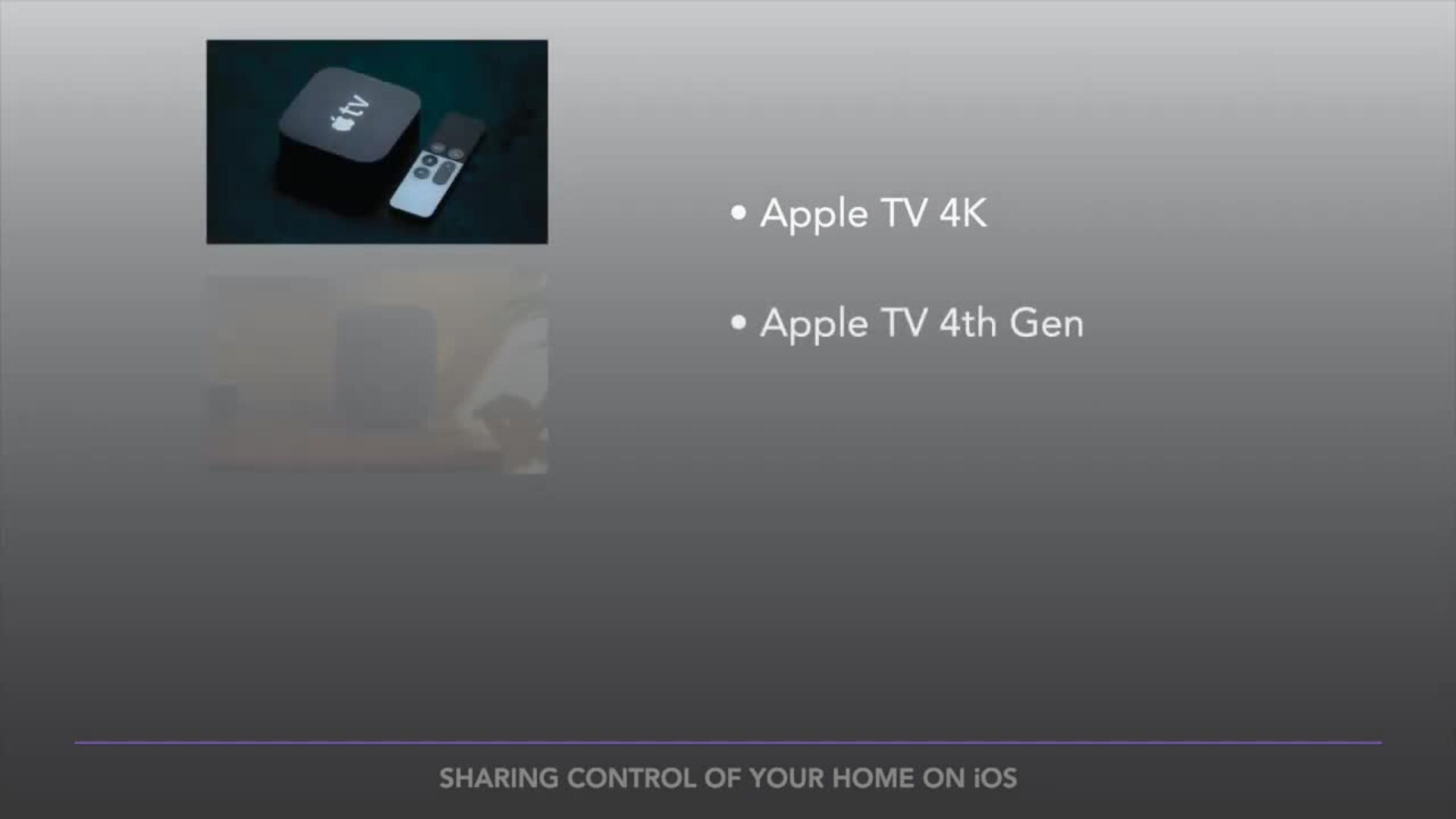
00:48And within range of the home pip accessories, a home hub can be an Apple TV,
00:55four K apple TV, fourth generation home pod or ipad running I OS 10 and
01:02later head over to the I devices connected app from the home dashboard.
01:09Tap the home name in the upper left corner, scroll down and tap on manage users.
01:18Tap, invite people enter the icloud email address of the person you are inviting to the
01:25home. When you're done.
01:26Tap, send, invite the invited user can open up the apple home app and tap on the home icon to
01:33accept the pending invitation.
01:35Remember, even after a new user has access to the home,
01:39the home administrator can manage levels of control or remove users at any time from the
01:45Apple home app. If you want to learn more about I devices
01:48products or need additional help. Head over to I devices.
01:52Inc.com/support.