Transcript
00:04The I devices connected app will periodically notify you of firmware updates available for
00:10your products to check if you have firmware updates available.
00:15Go to the home dashboard on IOS devices look for a triangle icon in the upper right corner
00:24on android devices. The triangle icon will be in the lower right
00:28corner. If you do not have a triangle icon, it simply
00:32means all of your products are up to date.
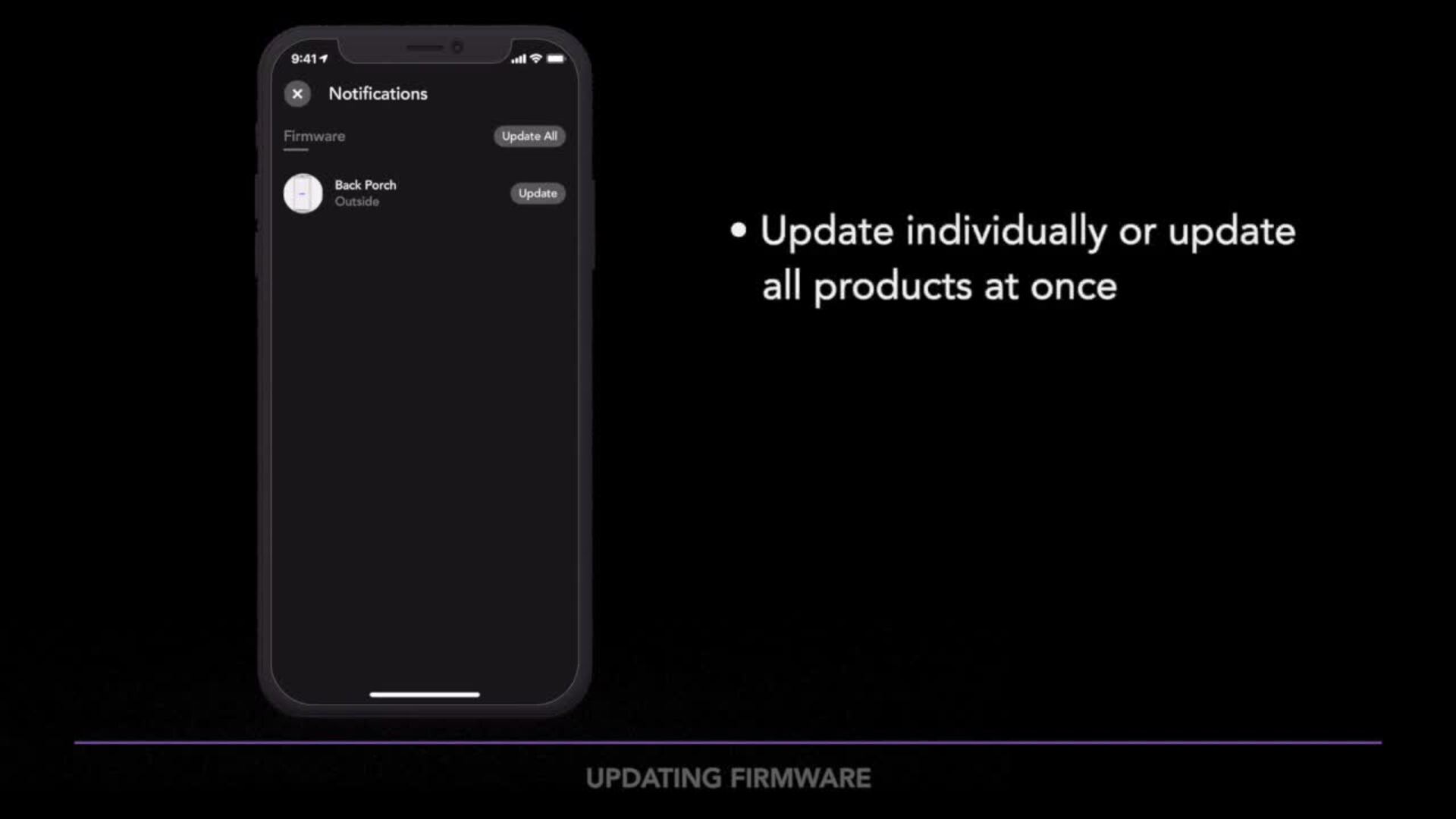
00:35Tap on the triangle icon to be brought to a list of all the products in need of a firmware
00:41update. You can choose to update each product
00:44separately or tap update all. So all of your products update at once.
00:50The update can typically last 3 to 7 minutes.
00:55Be sure to keep the I devices connected app running in the foreground during the update.
01:00Otherwise the updates will be paused.
01:05Note that it's normal for the product's led light to flash or for the accessory to turn on
01:10or off during the firmware update.
01:16When the update is complete, the app will return to your home dashboard
01:25if you want to learn more about I devices products or need additional help.
01:30Head over to I DEVICES, inc.com/support.