Transcript
00:01Hubble HD base THDM I extenders allow you to send four Kuhd video with audio and
00:08control up to 100 m or 328 ft.
00:12This video will show you how to install and start using these extenders.
00:17Hubble's HD base T multimedia extender includes two devices,
00:22source and display.
00:24We will first be demonstrating in detail. The wiring of the source unit five volts of DC
00:30power is needed to operate the HD base T extender.
00:34Make sure you have at least three inches of box or wall depth to accommodate the extender depth.
00:39One run of cat six A cable is recommended for each extender pair.
00:44This ensures the best support for four Kuhd transmission
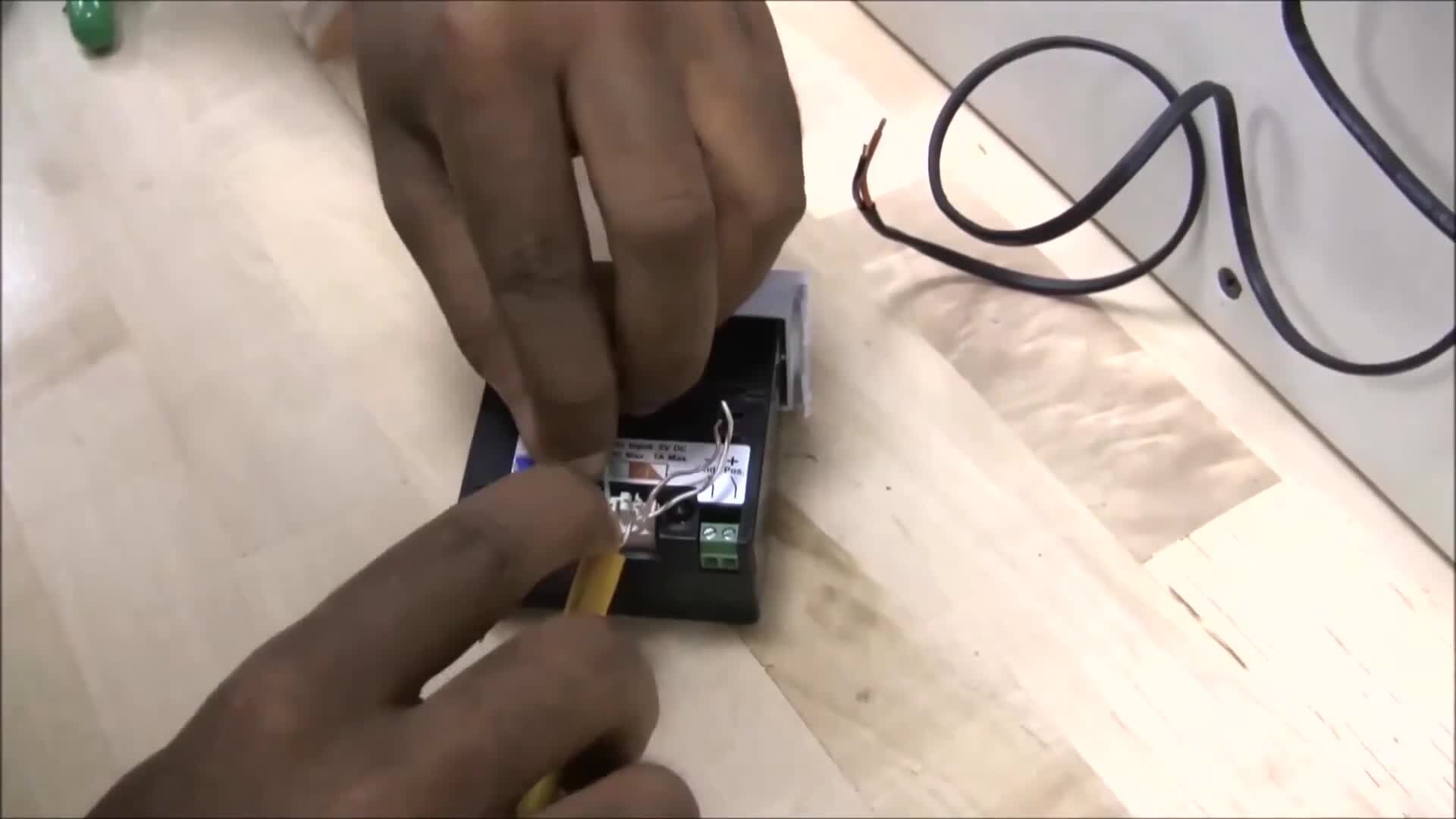
00:52use wire stripper to strip outer jacket back two inches
01:00fan wire pairs and remove any non conductive elements
01:13align wire pairs according to the color sequence.
01:16On the extender termination diagram, untwist wire pairs and pre lace into corresponding 110
01:22terminals lace inner pairs first to minimize distance skew between pairs,
01:27maintain twist leading up to the point of termination as much as possible to provide the
01:32best electrical performance terminate wires with 110 punch down tool.
01:37Make sure to orient the cut side toward the free end of the wires,
01:41inspect to make sure wires are fully seated and not nicked or damaged.
01:52Apply provided stuffer caps to provide additional strain relief.
02:05Connect five volt supply wires to the DC input terminals.
02:09When using Hubble A VPs 15 W make sure the low voltage switch on the front of the receptacle
02:15is in the off position prior to connecting the wires, secure wires with a small flat head
02:20screwdriver. Maintain polarity by attaching the red wire to
02:24the positive terminal and the black wire to the negative ground terminal.
02:34Push back any access cable and secure unit into the front mounting face plate repeat this
02:39process on display end to complete the set up, restore
02:46power to display and source units check that the power and link led s are illuminated.
02:52This ensures devices have power and the link between the units is performing adequately for
02:57HD base T transmission.
03:00You have now successfully installed the Hubble HD base T extender.

Hubbell Premise Wiring HDBaseT Installation
- private