Take a TourHere is a glimpse of CHALMIT’s solutions for the different Markets. Try out some Chalmit Solutions.
Take a Tour of the Markets We ServeA quick look through the various markets we are equipped to cater to. See the Chalmit Markets.
Take a TourTry out some Chalmit Resources.
Transcript
00:03It is sometimes required to run piping over other objects.
00:08There was a simple method to implement this first place an obstruction into the design
00:14space. Select locate block and click two opposite
00:19corners of a rectangle, edit the block to the correct height.
00:25In this case, 2 m.
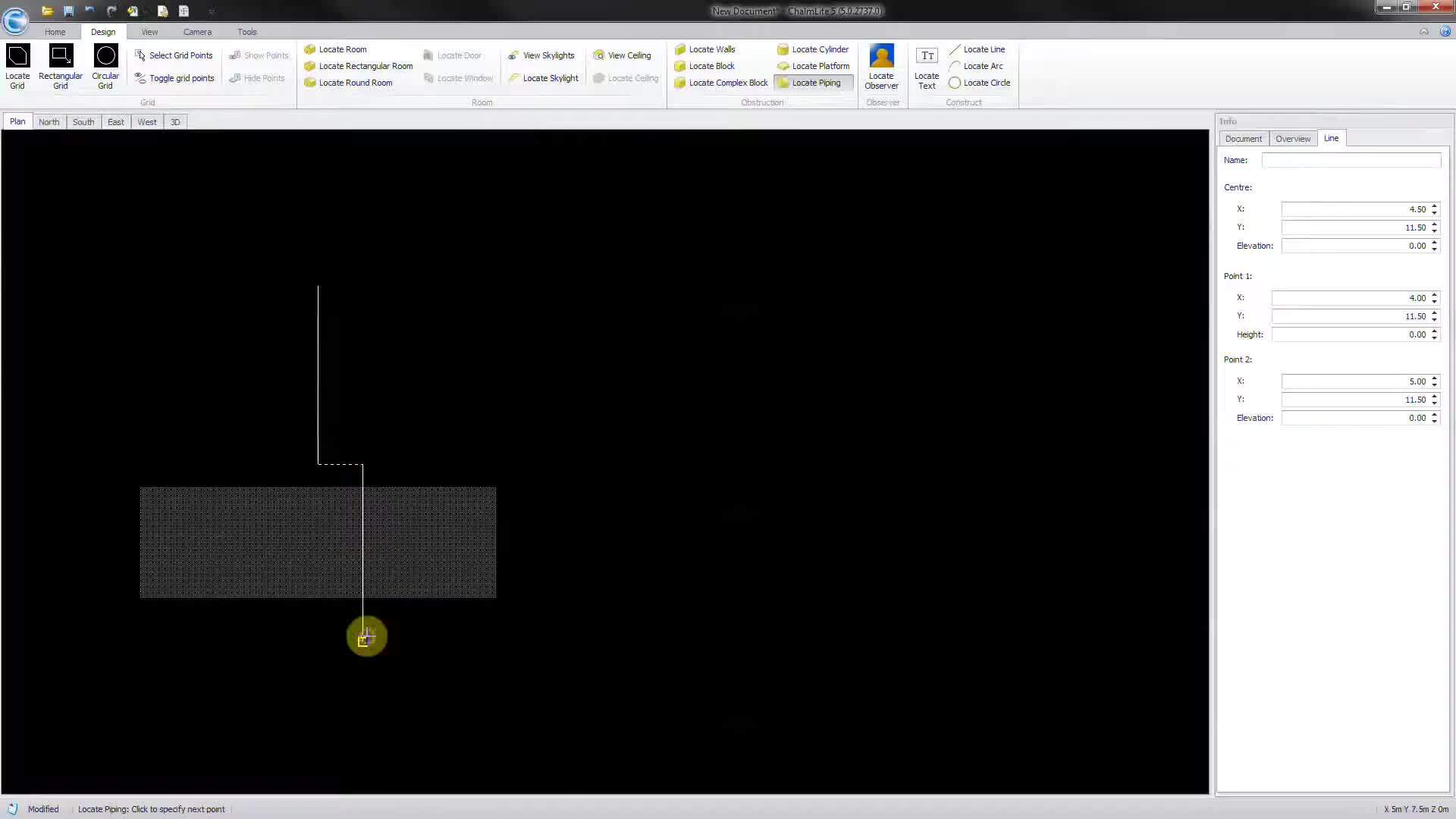
00:29Next, select locate piping in the design space. Draw the run of piping,
00:36clicking in front of the instruction and defining a goal post type of kick out
00:52in 3D mode.
00:54It's easy to see the piping goes through the obstruction not over it.
01:00So highlight the section of piping that is to go over the
01:06obstruction and alter the height of that element.
01:10So as to clear the obstruction, then move the ray section in line with the rest of the piping
01:27in 3d mode. You can now see the piping goes up and over the
01:31obstruction.