Take a TourHere is a glimpse of CHALMIT’s solutions for the different Markets. Try out some Chalmit Solutions.
Take a Tour of the Markets We ServeA quick look through the various markets we are equipped to cater to. See the Chalmit Markets.
Take a TourTry out some Chalmit Resources.
Transcript
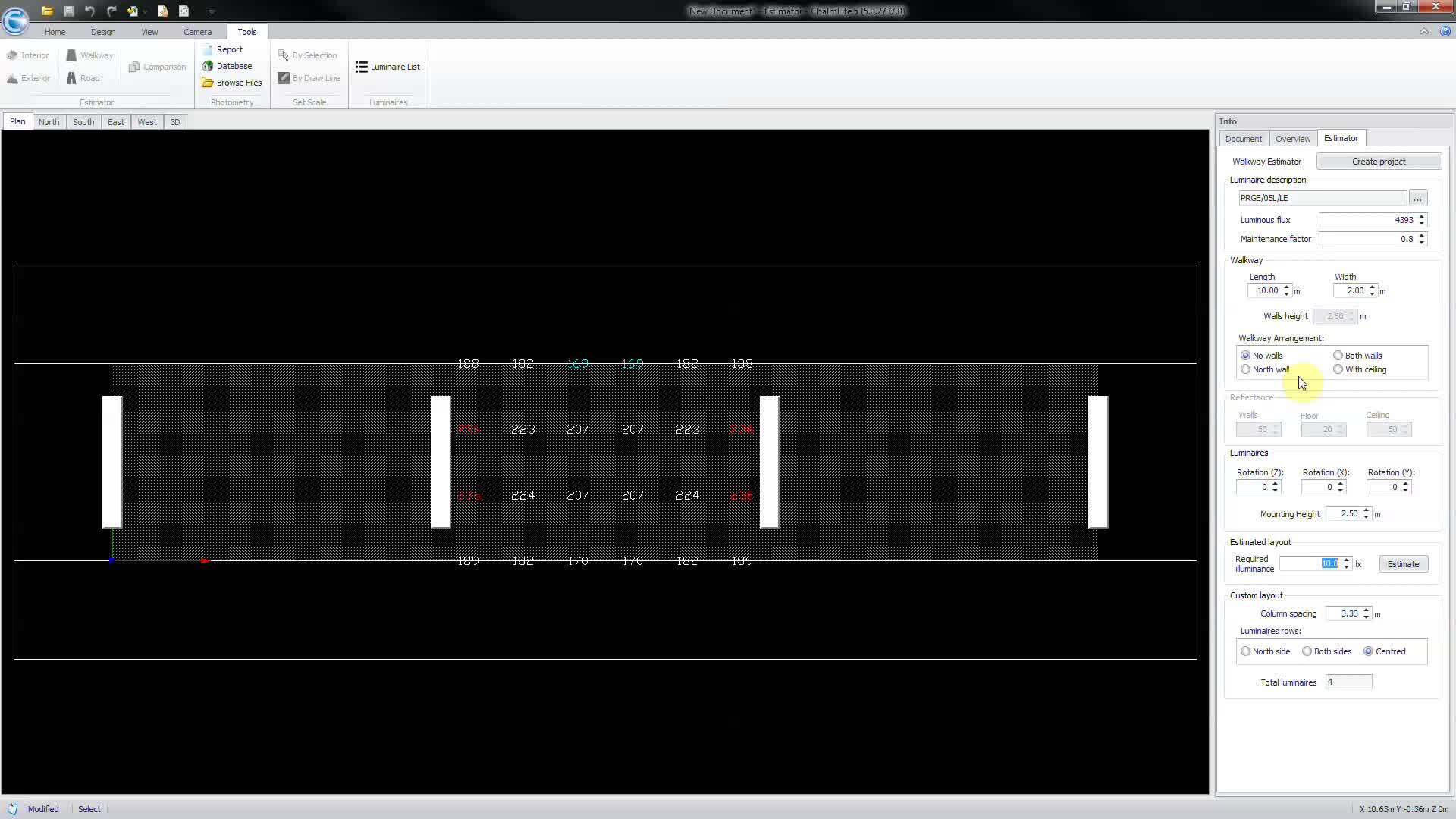
00:03The walkway estimator allows you to carry out a quick calculation to indicate the required
00:08luminary spacing for a walkway or corridor, select walkway from the estimator section under
00:15the tools ribbon to bring up the estimator info panel, choose the luminaire to be used from the
00:21luminaire description section which will open the luminary selection window,
00:26highlight the luminaire then ok to accept all design
00:32parameters such as the walkway arrangement, walkway dimensions
00:40and luminary criteria can be altered within the estimator panel.
00:45In this case, we will model an exterior walkway with stanchion mounted fluorescence
01:03set your required illumination level and select estimate for the program to calculate and
01:09propose the desired luminary spacing.
01:15To view the illumination results refer to the overview panel.
01:21Please note that most of the program features are disabled when using estimators.
01:25However, it is possible to convert your estimated layout into a regular design by
01:30selecting create project.
01:33This will re enable all features.