Take a TourHere is a glimpse of CHALMIT’s solutions for the different Markets. Try out some Chalmit Solutions.
Take a Tour of the Markets We ServeA quick look through the various markets we are equipped to cater to. See the Chalmit Markets.
Take a TourTry out some Chalmit Resources.
Transcript
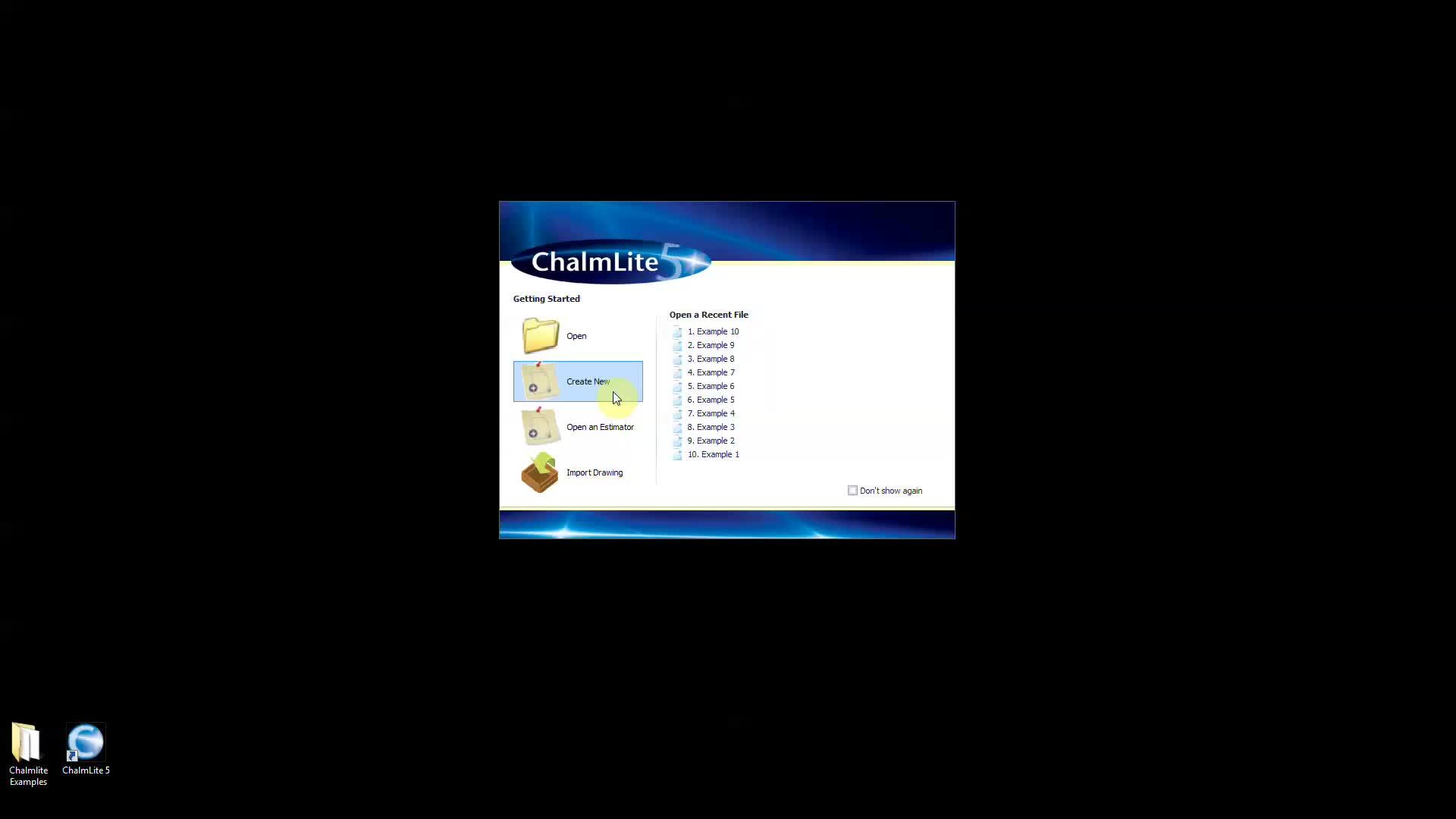
00:04When you open the program, you are presented with the software splash screen and a few
00:09getting started options.
00:11A list of recent calculation files are retained on the right hand side for quick opening the
00:17buttons on the left hand side are more relevant to new users.
00:21Open allows you to open existing version five files, create new start a brand new
00:28project where project details can be entered and calculation areas or rooms can be created
00:34open. An estimator will take you to the tools tab
00:37where all the estimator options are contained including the interior exterior walkway
00:44and road estimators.
00:46The Lumina comparison tool is also found here.
00:50Import drawing allows you to bring PDF or C ad drawings into a new design for a new
00:57project. Select create new and you will then be taken to
01:00the main working window.