Transcript
00:00Recognizing that lighting is much more than just on and off I devices.
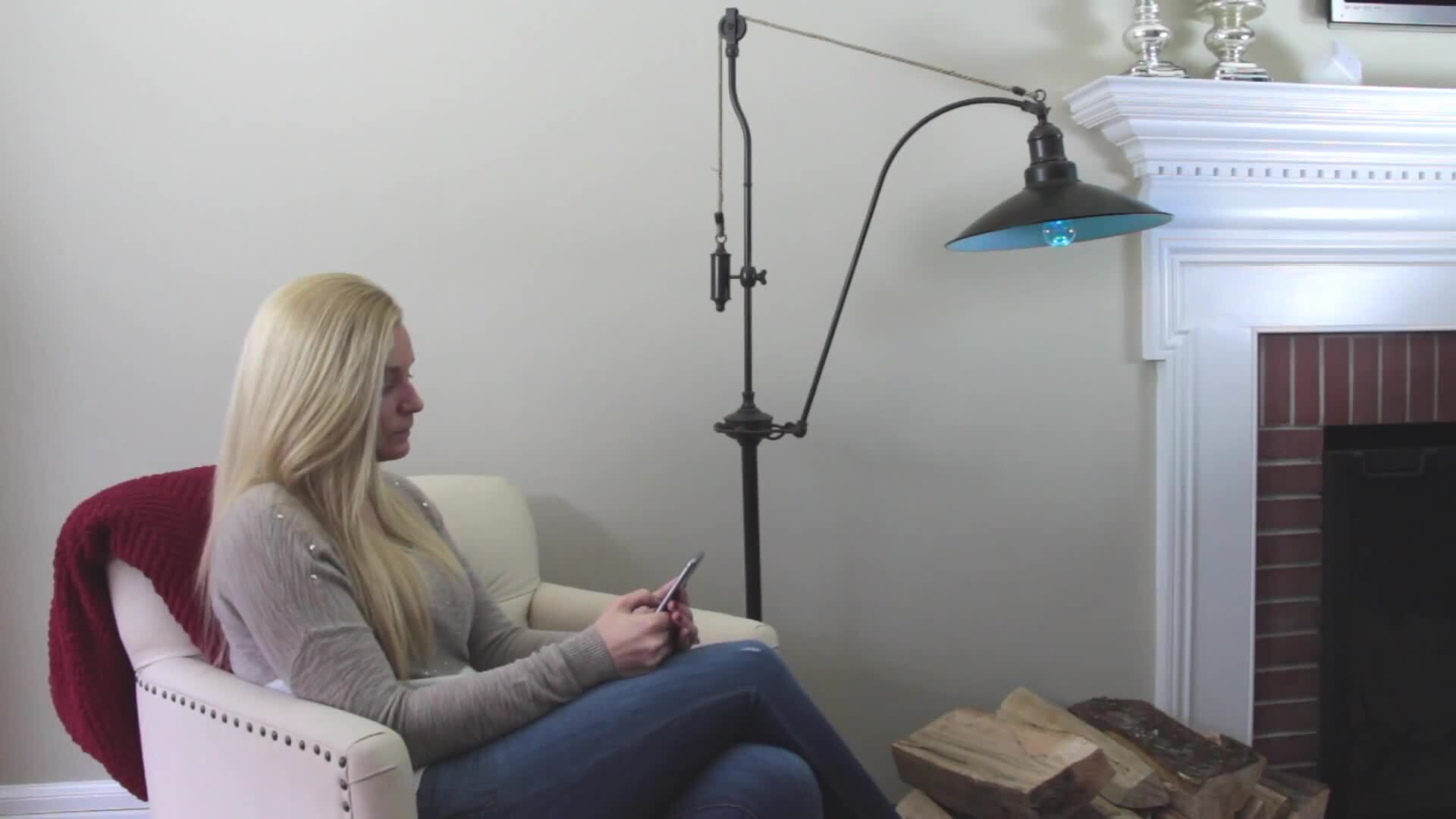
00:04Socket was designed to create lighting to fit any mood.
00:08In addition to being able to control and dim lighting with socket,
00:11the led night light can be used to design dynamic low light environments.
00:16You can even add color to personalize your lighting.
00:19This is ideal for times where you need just the right amount of light or when some color could
00:24enhance a moment. Set the scene for movie night,
00:27add drama to story time or wake up to cool sunlight.
00:31The I devices connected app and socket make it simple for you to achieve the perfect lighting
00:36in the connected app. The dashboard provides you the most important
00:40controls for socket tapping on socket will bring you to its details screen where you can
00:45access full control of socket. Socket's detail screen offers controls for the
00:50led night light. You can see the current led color and quickly
00:53turn it on and of tapping on the nightlight will bring you to the precision controls for it.
00:58On the socket nightlight detail screen, you get a great preview of your socket led the color
01:04slider bar allows you to quickly scroll through the virtually infinite color options.
01:08Brightness and saturation, give you the ability to tweak the color to perfection.
01:12Quick colors were designed to give you easy access to some of the most popular moods and
01:17tones. In addition to the bright colors, the default
01:21options give you a selection of colors balanced to match other typical light sources or
01:25simulate natural light.
01:27You can even save your favorite color settings to keep them handy or to add that color to
01:31multiple sockets. Simply tap add in quick colors.
01:36The current setting will be carried over and you can adjust if needed.
01:40Give your quick color and name and then tap. Save your quick color will be added to the list.
01:45You can also manage your quick colors by tapping edit on quick colors.
01:50This will bring up a list of the quick colors and you can tap into the color you want to edit
01:54or remove sockets led nightlight can be added to scenes and schedules as well.
02:01So you can have your custom lighting happen automatically if you want to learn more about I
02:06devices socket or need additional help. Make sure to head over to I devices.
02:10Inc.com/support.

iDevices How-To iDevices Socket - Using the LED
- private